

 by
by 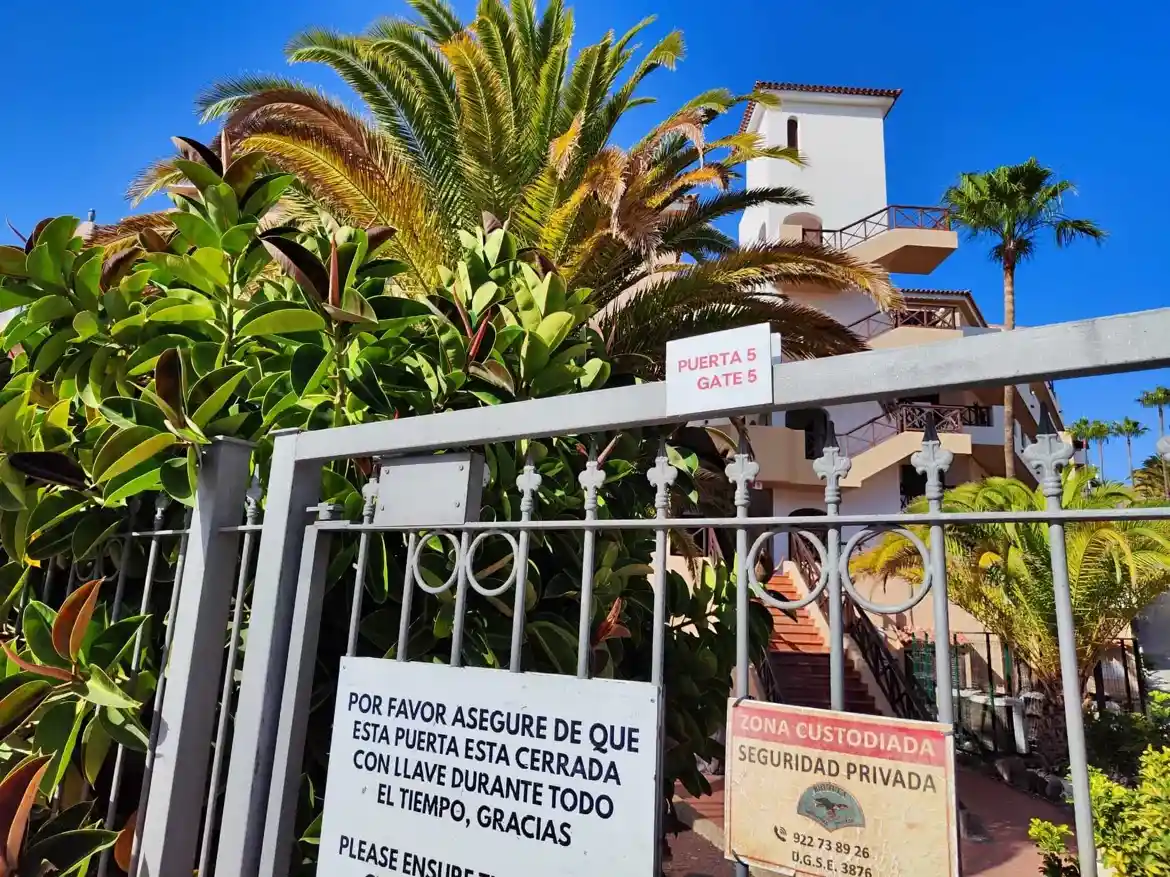
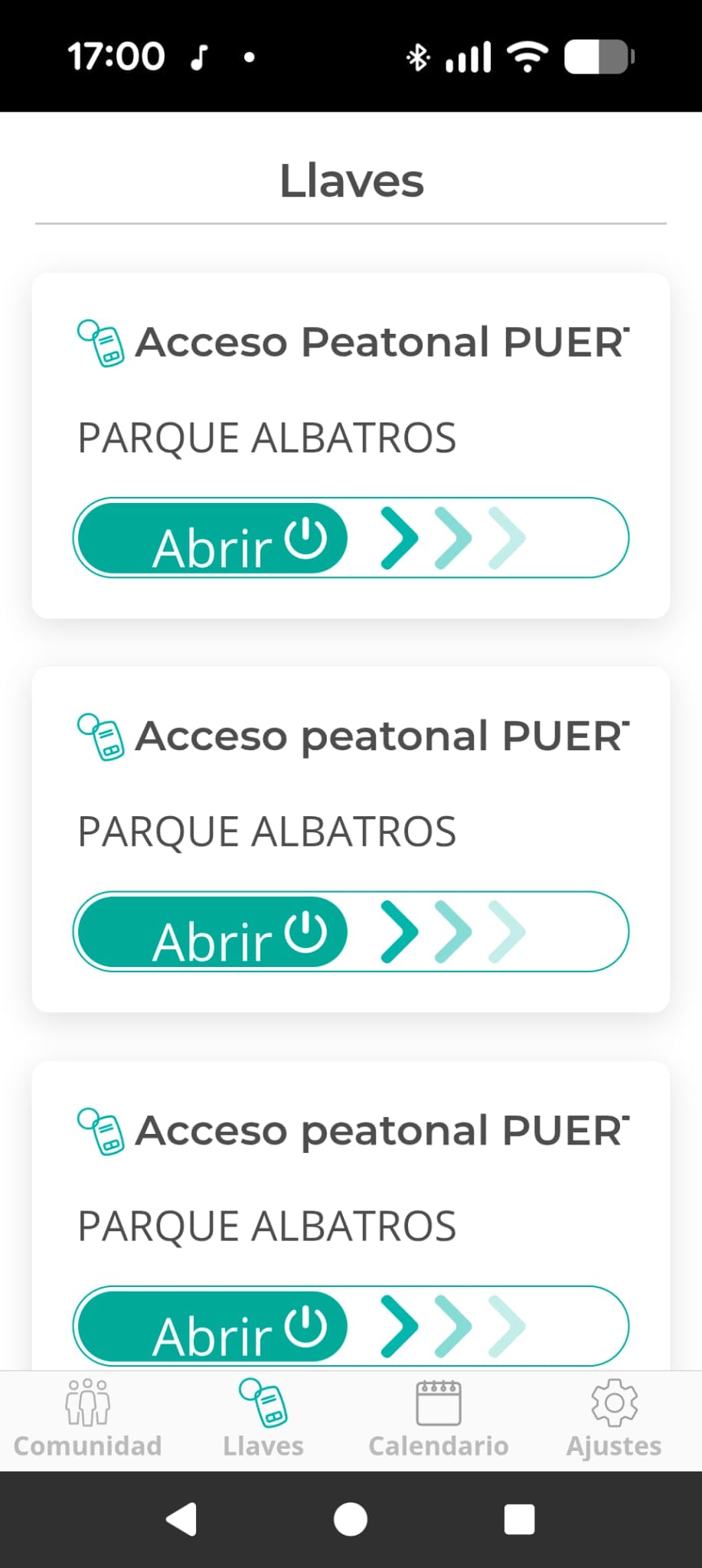
At Park Albatros, you can open entrance gates and access community services using the TucomunidApp. Property owners must first register the app with resort management before vacation tenants can use it.
Because many guests encounter setup issues, here’s a clear step-by-step guide for both vacation renters and property owners.
1. For Vacation Renters
The TucomunidApp allows you to enter the resort and access key community information during your stay.
Step 1: Request Registration from the Owner
- 📌 You cannot activate the app yourself.
- 📌 The property owner or rental agent must add you to the system and send you an email invitation.
Step 2: Install the App
- Download from Google Play or Apple App Store.
- Open the email invitation and click the activation link.
- Create a password and log in.
Step 3: Using the App During Your Stay
- Open entrance gates: Access the resort gates directly from the app.
- Contact resort management: Message the community manager if issues arise.
- Stay updated: Check announcements about pool access, maintenance, and services.
2. For Property Owners
Step 1: Download the App
- Android: Google Play
- iPhone: Apple App Store
Step 2: Register and Activate Your Account
- Request registration from resort management (GAE comunidades).
- You’ll receive an email invitation with an activation link.
- Click the link, create a password, and log in with your email.
Step 3: Key Features for Owners
- ✔ Gate access control – Open resort gates via your phone.
- ✔ Book shared spaces – Reserve pools, courts, and common areas.
- ✔ Report maintenance issues – Submit and track requests.
- ✔ Access documents – View rules, fees, and community info.
📌 Tip: Renters should always contact the property owner if they face issues. Owners should contact GAE comunidades.
Useful Links
- 🔗 Official website: tucomunidapp.com
- 📲 Download the App:
Are you a Park Albatros owner?
If you rent out your apartment, we can help you handle registrations,
guest access, and community requirements in Park Albatros.
Get in touch to make ownership easier and worry-free.We reply quickly – even evenings and weekends.
 English
 Czech
Czech Polish
 Hungarian
 Italian
 Spanish
 Russian